Compare quotes for branded T-shirts
Compare quotes using the same T-shirt model, colour, artwork, logo positions and quantities. Check the included decoration, setup, proofs or samples, VAT and delivery, then compare complete totals. Mark any difference so your team can see whether it is comparing the same order.
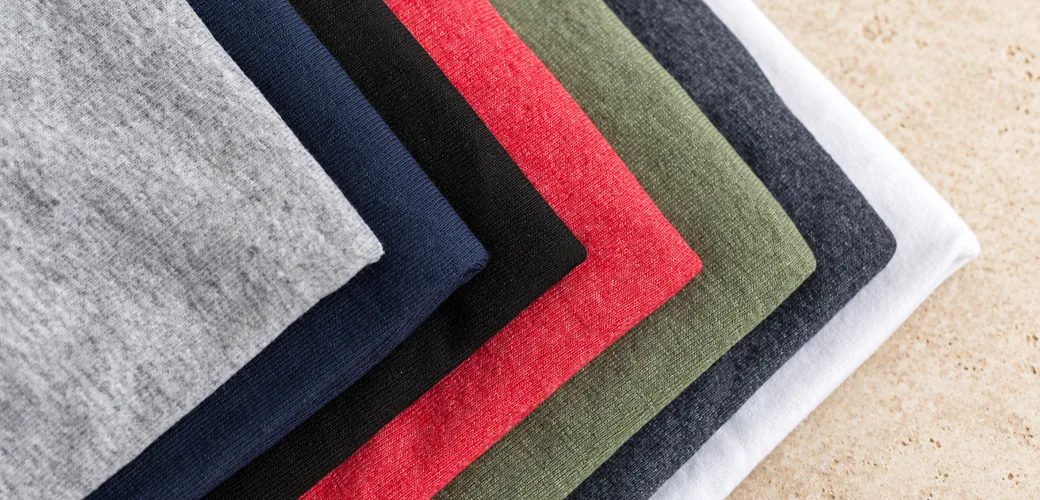
- Keep the garment, artwork, placements and quantities the same.
- Check product quantity pricing separately from the volume offer.
- Confirm which proof or sample you are approving.
Quantity matters, but it cannot decide between embroidery, screen printing, transfer printing and direct printing on its own. The useful question is which options can reproduce your design on your chosen T-shirt, and how each option is quoted for that order.
Decide what you need from the T-shirt
Before preparing your logo, establish who will wear the T-shirt and when. It might be for an event, a new starter or a brand campaign. That context helps you decide what to ask about the style, fit, colour and personalisation; it does not automatically determine the right production method.
Start with the T-shirt collection and read the product details for the styles you are considering. Check the fabric composition, weight in g/m² and available personalisation options. Fabric weight tells you something about the garment, but does not, by itself, establish how a logo or finish will turn out.
You do not need every decision made before requesting a quote. You do need to distinguish confirmed choices from questions you would like help with. “T-shirt style still to be decided” is clearer than presenting a provisional choice as final.
Specify each design and placement separately
“A T-shirt with our logo” can describe very different orders. A small chest logo and a design on the back are two placements to specify, even if they use the same artwork file.
For each design, provide:
- The artwork file and version. Make clear which version should be reviewed if you have several.
- The placement. Chest, back or another requested area.
- The intended dimensions. Give these in centimetres rather than leaving the size open to interpretation.
- The details that matter. Identify any lettering, elements or colours you want to retain.
If you have not chosen a method, leave that decision open. Ask for the options to be reviewed against the garment, artwork, size and placement together. This gives you a more useful basis for a decision than choosing a finish because another order had a similar quantity.
PAMUUC Merchandise offers five decoration methods: embroidery, screen print, transfer print, direct print and patch. Availability must be checked for the selected product; the list does not mean every method suits every design.
Quote comparison as of 13 November 2026
Before focusing on the price difference, check that the quotes describe the same order.
| Item | What should match or be explained |
|---|---|
| Garment | Style and colour; identify any alternative product |
| Quantity | Units of each product and design, with a size breakdown |
| Personalisation | Artwork file, dimensions and requested placements |
| Setup | What preparation is included and which charges apply |
| Proofs and samples | What will be checked, when, and what needs approval |
| Delivery | Destination, requested date and confirmed terms |
| Catalogue quantity pricing | From one piece, with seven quantity brackets. Compare the same product and configuration. |
| Decoration options | Five methods: embroidery, screen print, transfer print, direct print and patch. Confirm availability for the selected product. |
Ask for the applicable costs to be clear: garments, personalisation, setup, VAT and delivery. You can then see whether a difference comes from the product, the finish or something included in one quote but not the other.
When asking for a different production method, keep the other details the same. If you also change the T-shirt or remove a placement, you are comparing a different combination. It may be a good alternative, but make sure you know what has changed.
If you amend a detail after receiving a quote, check whether the quote needs updating before you approve it. Do not assume an earlier quotation covers a change in artwork, dimensions or quantity.
How quantity changes the order terms
Product prices follow seven quantity brackets. Check the quantity pricing for each product separately from the volume offer. When comparing a different quantity, keep the garment, artwork and placements unchanged so you can identify what the new quote actually changes.
Catalogue products can be requested from one piece. Specify the quantities for each product and design, as well as the overall total.
Three commercial conditions are worth checking:
- From 50 pieces: every standard logo setup in embroidery or screen printing is free.
- From 100 pieces per product: an approval sample of that product is included and made after the first payment. Production of that product waits for written approval.
- From 250 pieces: a 5% discount applies to the merchandise subtotal, before VAT and delivery.
These conditions belong to the PAMUUC offer. They are not technical thresholds that automatically make one method the best choice.
Keep the products separate when checking eligibility. The approval-sample condition is per product: if your quote covers several styles, check what applies to each one.
Treat the quote, placement proof and sample as separate checks
Each answers a different question.
The quote should make clear what will be produced, in which quantities and under what terms.
The placement proof at actual size lets you check the artwork, its dimensions and its position before production. Make sure it uses the correct file version and covers every requested placement.
A physical sample, where applicable to the order, gives you an actual item to inspect. A digital image cannot establish how a garment feels or fits.
Approval of one does not replace all the other checks. Confirm what you are approving at each stage and what is still outstanding. Where the approval-sample condition from 100 pieces per product applies, production of that product waits for written approval.
See how to order merchandise for the process.
Send a brief that can move forward
Bring the following details together before sending your request:
- T-shirt style and colour.
- Quantity of each product and design, with the available size breakdown.
- Artwork files and version.
- Intended placements and dimensions.
- Questions on which you would like a recommendation.
- Requested date and delivery destination.
- Any proof or sample requirements you need clarified.
Keep undecided details separate from confirmed choices. This keeps assumptions out of the approval.
The requested date is confirmed in the quote; it is not a delivery guarantee. If the order is for an event, include the date in your first request.
Start by choosing a T-shirt or, if you have the details ready, prepare your merchandise project. Sending a quote request is free and does not require a payment card.
Related reading
Embroidery: what makes a logo legible?
Check the lettering, gaps and outlines of a logo at its intended size before approving embroidery for company clothing.
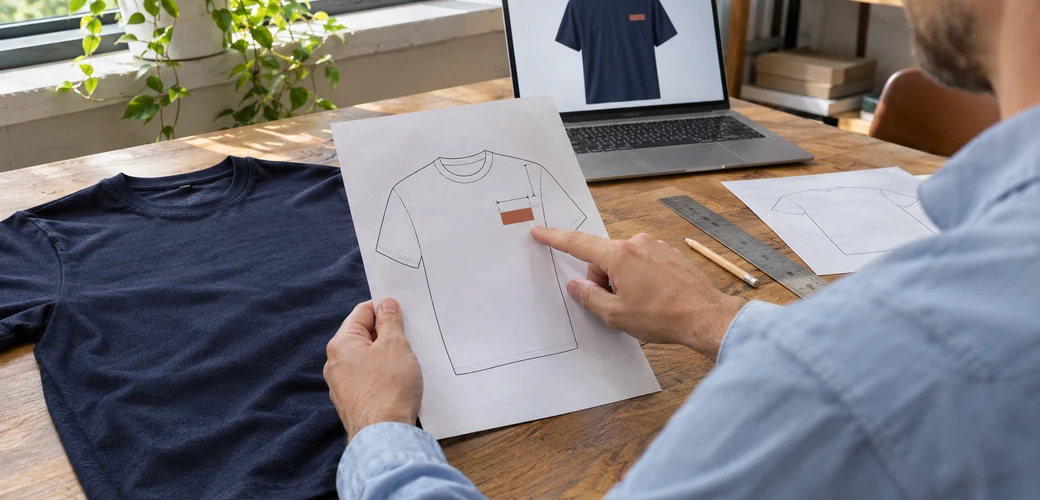
How to check an artwork proof
Compare the garment, artwork version, logo size and placement on a proof before approving a branded T-shirt. Use a brief your team can check together.
Approval samples for clothing orders
An approval sample is included from 100 pieces per product. Learn when it is made, what to review and why written approval is required before production.