When does a clothing order include an approval sample?
For each product ordered at 100 pieces or more, PAMUUC includes an approval sample made after the first payment. Production of that product waits for your written approval. This guide explains what to identify, check and record when reviewing the sample.
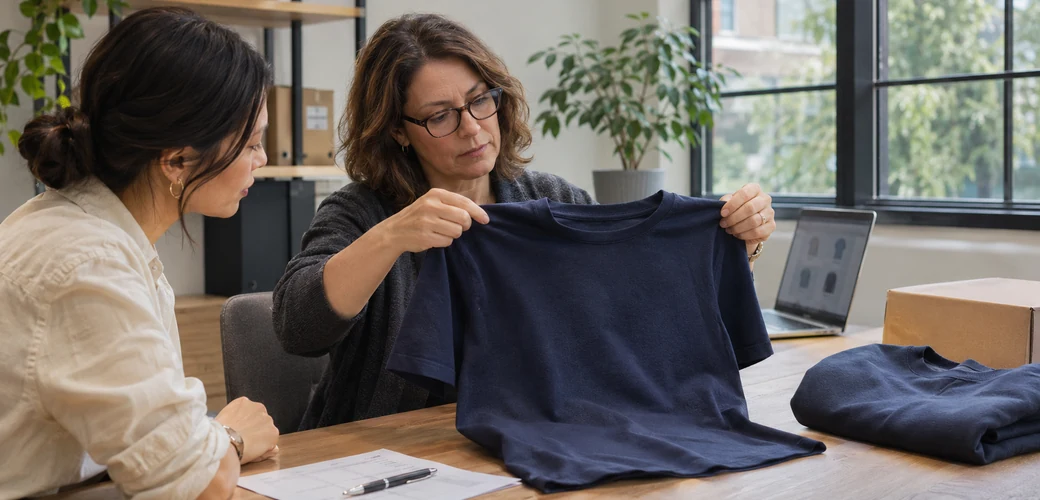
- The included sample threshold applies to each product ordered.
- The sample is made after the first payment.
- Production of that product waits for written sample approval.
PAMUUC includes an approval sample for each product ordered at 100 pieces or more. It is made after the first payment. Production of that product waits for your written approval of the sample. Keep the product, artwork and approval reference together so your team can see exactly what it is reviewing.
Start with the product quantity
Check the quantity for the product you intend to order. The approval sample is included from 100 pieces of that product. An order containing different products needs a separate check for each one. Keep a line for the selected garment and its quantity in your working brief, rather than relying on the total number of items across the project.
If you are choosing a garment, start with the T-shirt collection and settle the product option before describing the sample you need to review. A product name alone can leave several options open. Record the selected colour, size breakdown and artwork alongside it. This gives the people reviewing the order a shared reference.
Place the sample in the approval sequence
The artwork placement proof is reviewed before production. An included approval sample comes after the first payment. These are distinct points in the order sequence, so keep their records clear when several colleagues are involved. A person checking a file on screen needs to know whether they are reviewing the placement proof or a sample that has been made.
The artwork proof guide explains the checks around the stated artwork size and position. Keep that agreed proof with the order information when you prepare the sample review. Record which product it belongs to and the version of the artwork. If the team changes an item in the brief, flag the change explicitly instead of leaving two versions to be interpreted later.
Make the sample review specific
Gather the product selection, artwork reference and any questions your team needs to resolve. Looking at the sample together can help you keep the discussion attached to the same physical item. Use a short list of visible points to review, and write down an uncertainty while the sample is in front of you.
For example, you might need to clarify which placement was agreed or whether a colleague is referring to the latest artwork file. State the point you need answered and identify the product concerned.
Give the review a clear owner within your team. If different colleagues comment, collect their questions together before sending them. That makes it easier to distinguish a question that still needs an answer from a point the team has accepted. Keep the final message with the product and artwork references used in the review.
Give written approval for that product
Production of the product waits for written approval of its sample. Make the approval specific enough to connect it to the item your team reviewed. State the product and the relevant sample reference, and make clear which artwork version your approval concerns. If a question is unresolved, describe it clearly before giving an approval that someone could interpret more broadly.
For an order with different products, keep their review records separate. The included-sample condition is tied to each product ordered at the qualifying quantity. Your own checklist can reflect that structure without treating a discussion about one item as an answer about every other item in the project.
The ordering guide brings the quote, payment and approval stages together. Use it alongside the actual quote, so a colleague taking over the order can follow the same sequence and locate the relevant approval.
Keep the requested date in the brief
Tell PAMUUC when you need the clothing. The quote confirms the date for the order. A sample review is part of planning an order that includes an approval sample, and the date should be considered with that sequence in view. Ask about any timing point that the quote does not yet resolve.
As of 12 November 2026.
- Included approval sample. Each product ordered at 100 pieces or more.
- When it is made. After the first payment.
- Production of that product. Waits for written sample approval.
- Delivery date. Confirmed in the quote.
Keep the sample record with the final product and artwork choices. It should help your team explain what was reviewed and approved. The approval-sample condition by itself does not establish a delivery date; use the date confirmed in the quote when you plan the handover.
Related reading
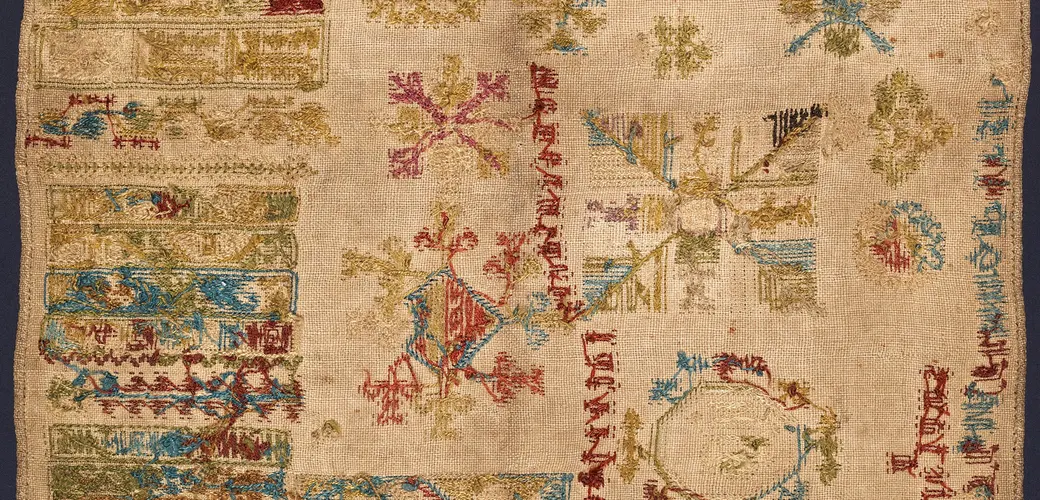
Embroidery: what makes a logo legible?
Check the lettering, gaps and outlines of a logo at its intended size before approving embroidery for company clothing.
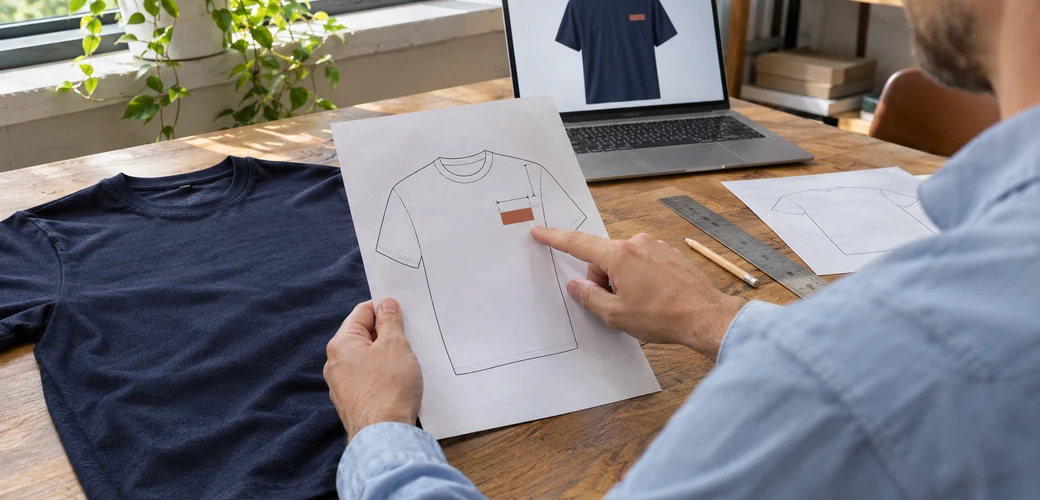
How to check an artwork proof
Compare the garment, artwork version, logo size and placement on a proof before approving a branded T-shirt. Use a brief your team can check together.

How to brief a repeat order
Compare the last approved order with what your team needs now. Record any changes to clothing, artwork, sizes and delivery before requesting a new quote.